Confirm what matters
Identify files, photos, browser favorites, email accounts, software, printers, and old-device cleanup needs.
Unbox the new computer, move files safely, reconnect printers and email, set up backups, and retire the old PC without losing what matters.
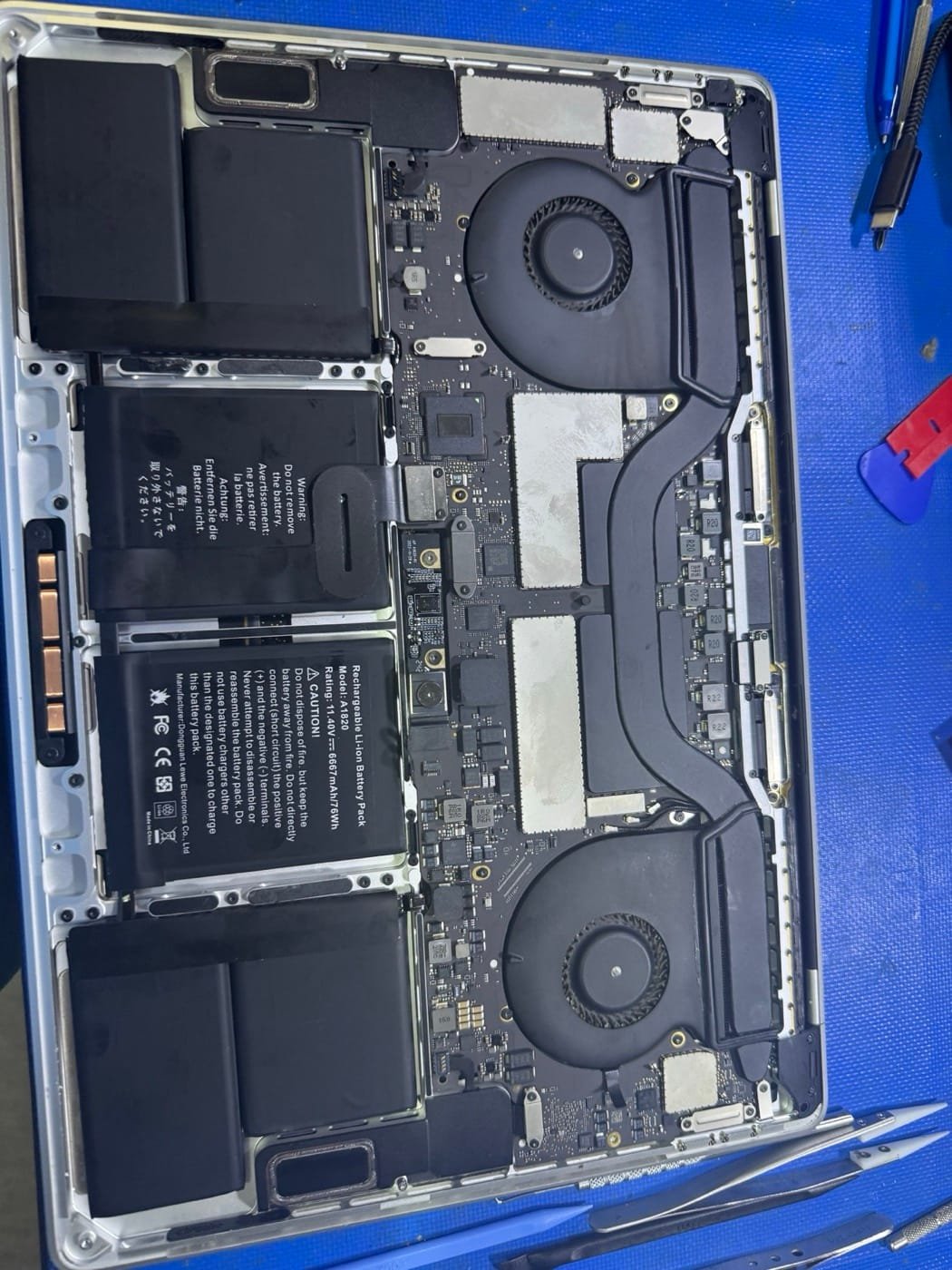
A new computer is only useful when your files, sign-ins, printer, browser, email, and backup routine all work. Atascocita IT handles the handoff details that big-box setup often skips.
We remove bloatware, apply updates, configure backups, and transfer user data carefully — including Desktop files people forget.
Business setups can include standard apps, email profiles, Microsoft 365 sign-in, printer mapping, browser defaults, and a short handoff so staff know where everything landed.
Identify files, photos, browser favorites, email accounts, software, printers, and old-device cleanup needs.
Apply updates, remove trialware, set up accounts, move data, reconnect devices, and confirm important files open.
Review where files landed, set backup basics, and wipe or prepare the old computer when you are ready.
Use the $25 pickup diagnostic deposit or $50 onsite visit deposit when you are ready to schedule. Additional setup or transfer work is confirmed before it starts.
Many home setups take a few hours including updates, account sign-ins, printer setup, and data transfer. Large photo or document libraries can take longer.
Yes. Atascocita IT can help with Mac setup, migration, email, iCloud basics, printers, and external drive handoff.
Yes, when you are ready to donate or recycle.
Share the old computer type, new computer type, what needs to transfer, and whether you want pickup or onsite help.
Use secure Stripe checkout for a pickup diagnostic or onsite service deposit, then Atascocita IT confirms the next step.