Hard Drive Full? Free Space Without Breaking Windows
A full drive slows Windows and blocks updates. Clean carefully — or upgrade storage.
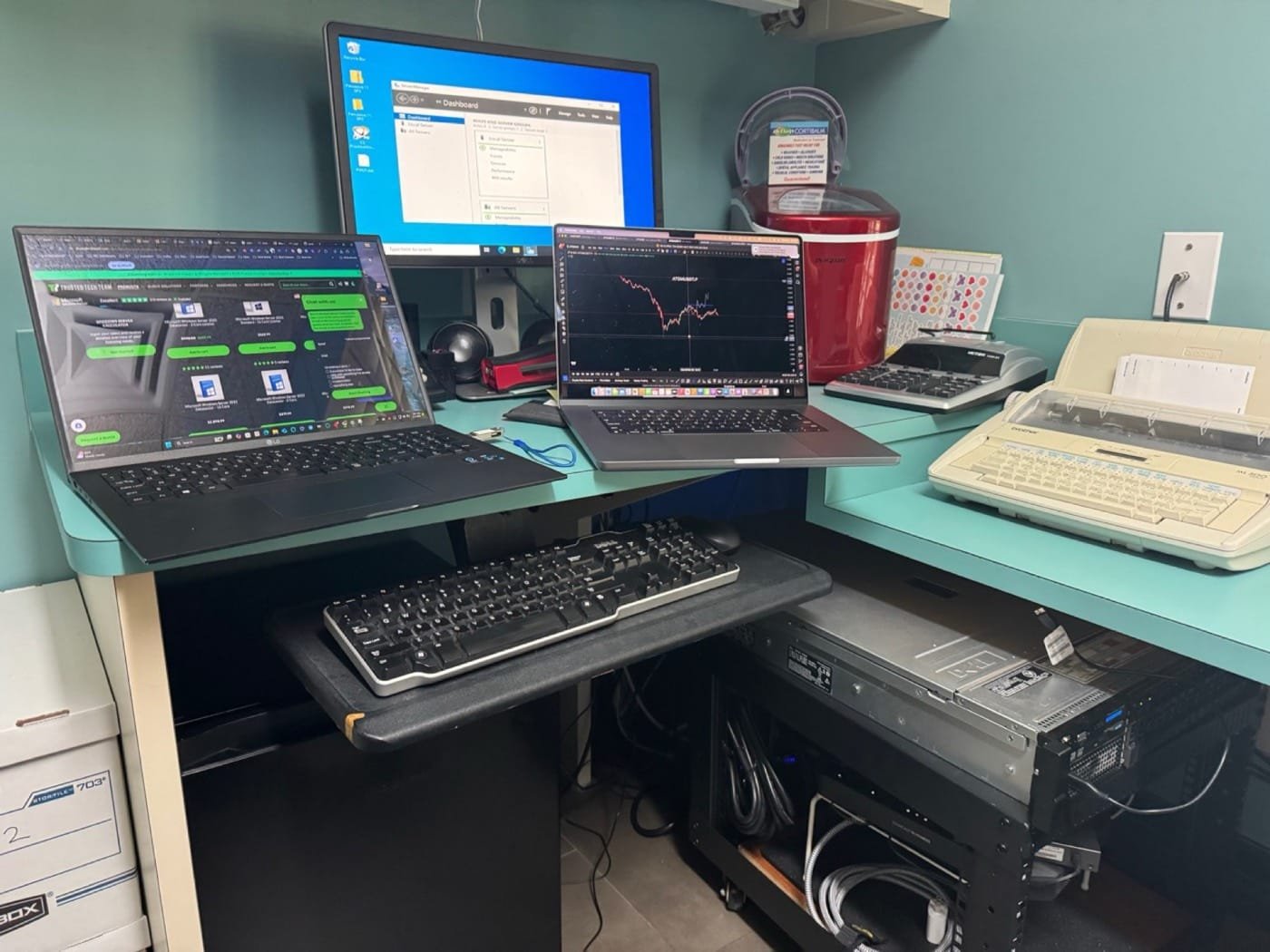
TL;DR: full drive safe fix
A full drive can slow Windows, block updates, and make a healthy PC feel broken. Clear safe folders first, confirm backups, and do not manually delete Windows or Program Files folders.
Hard drive full diagnostic table
| Symptom | Likely cause | Safe first step | When to call |
|---|---|---|---|
| Drive is above 90% full | Downloads, photos, videos, temp files, or app caches | Empty Recycle Bin and use Windows Storage settings | If free space disappears again after cleanup |
| Windows updates keep failing | Not enough free space or stuck update files | Free safe temp files and reboot once | If update cleanup fails or rollback may be needed |
| OneDrive or cloud folders are huge | Local copies of synced files | Pause sync and review "free up space" options | If files are missing, duplicated, or business data is involved |
| Full drive plus clicking or freezing | Possible failing drive | Stop cleanup and confirm backups | Before scans, resets, or large file moves |
Why full disks hurt
Windows needs free space for virtual memory and updates. Past ~90% full, pain is normal.
Safe cleanup
- Recycle Bin and old Downloads
- Storage Sense / temp files
- Move photos/videos to external or OneDrive
Risky deletions
Do not delete random Windows folders or use aggressive registry cleaners.
When to upgrade
Spinning HDDs and tiny 256 GB drives often need an SSD more than another cleanup.
Need hands-on help in Atascocita or nearby? Call 832-224-1001. Deep drive recovery: Kingwood Data Recovery. Active ransomware emergencies: Virus Pros. Kingwood-focused coverage: KingsPark IT Google Business Profile Read or leave a Google review.
FAQs
Is Storage Sense safe?
Yes if you review what it plans to remove.
Laptop SSD upgrades?
Most models yes — we confirm first.
Still stuck?
Local diagnostics $50 across Atascocita, Kingwood, and Humble.